Smart speakers have changed the way many of us listen to podcasts. Instead of pulling out your phone or searching through apps, you can simply ask Alexa to play your favorite show while you are making coffee, cleaning the house, or hanging out with your dogs.
If you are a listener of Dog Works Radio, there is an easy way to connect your Amazon Alexa device with Apple Podcasts so you can stream episodes with voice commands.
Here is how to get everything connected.
Connect Apple Podcasts to Your Alexa Device
Before you can start listening, you will need to enable the Apple Podcasts feature inside the Alexa app.
Begin by opening the Amazon Alexa app on your phone or tablet. From there, tap the “More” menu and choose “Skills & Games.” Use the search bar to look for Apple Podcasts.
When the official Apple Podcasts option appears, tap it and select “Enable.”
At that point, Amazon will ask you to sign in using your Apple ID so the services can connect together.
Once linked, your Alexa-enabled devices will be able to access podcasts directly through Apple Podcasts.
How to Start Playing Dog Works Radio
After setup is complete, listening is simple.
Try saying:
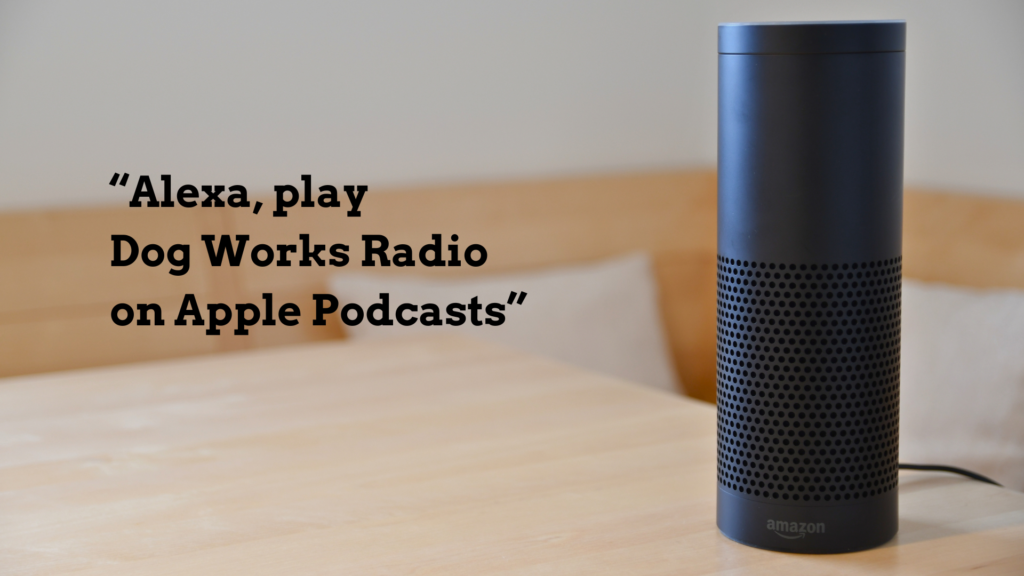
“Alexa, play Dog Works Radio on Apple Podcasts.”
Alexa should immediately begin streaming the latest available episode.
You can also use commands such as:
- “Alexa, pause Dog Works Radio.”
- “Alexa, play the next episode.”
- “Alexa, rewind 30 seconds.”
- “Alexa, resume my podcast.”
Voice controls make it easy to listen while training your dog, cooking dinner, or relaxing at home.
Set Apple Podcasts as Your Default Podcast Player
If you regularly listen to podcasts through Alexa, it can help to make Apple Podcasts your default service.
Inside the Alexa app:
- Open Settings
- Select Music & Podcasts
- Tap Default Services
- Choose Apple Podcasts as your preferred podcast provider
Once this is enabled, you can simply say:
“Alexa, play Dog Works Radio.”
You will no longer need to mention Apple Podcasts each time.
Why More Dog Owners Are Listening on Smart Speakers
One of the biggest reasons people enjoy podcasts on Alexa devices is convenience. You can move through your daily routine without stopping to search for episodes or handle your phone.
For dog owners, that is especially useful during training sessions, early morning routines, or busy evenings at home.
Dog Works Radio covers practical dog training advice, service dog topics, puppy behavior, canine health, and real-world conversations for dog owners looking for reliable information they can actually use.
Because the show is available through Apple Podcasts and Alexa, you can listen almost anywhere with a simple voice command.
Troubleshooting Tips
If Alexa has trouble finding the show, try being more specific with your request.
For example:
“Alexa, play the podcast Dog Works Radio on Apple Podcasts.”
You can also open Apple Podcasts directly on your phone first and search for Dog Works Radio to confirm you are subscribed.
In some cases, restarting the Alexa device after linking your Apple account can help refresh the connection.
Start Listening Today
Once everything is connected, listening becomes incredibly easy. Whether you are walking your dog, getting ready for work, or relaxing after a long day, Alexa gives you hands-free access to Dog Works Radio anytime you want.
To learn more about the show and explore recent episodes, visit Dog Works Radio or subscribe through Apple Podcasts.